
What Cloth neXt simulates, and how you control it
Cloth is the core. Around it: collision handling for animated characters, physically mapped fabric presets, attachments, other simulation roles and a bake that can be monitored and resumed.
A GPU contact solver, run from Blender
Cloth neXt sends the scene to the PPF Contact Solver, developed by ST Tech / ZOZO and installed separately, and brings the result back as cached playback in the Blender timeline. GAIA is the preferred solver for new installations.
- CUDA on supported NVIDIA GPUs, or the CPU backend
- Windows x64 and Linux x64
- Solver version and compatibility checked before every bake
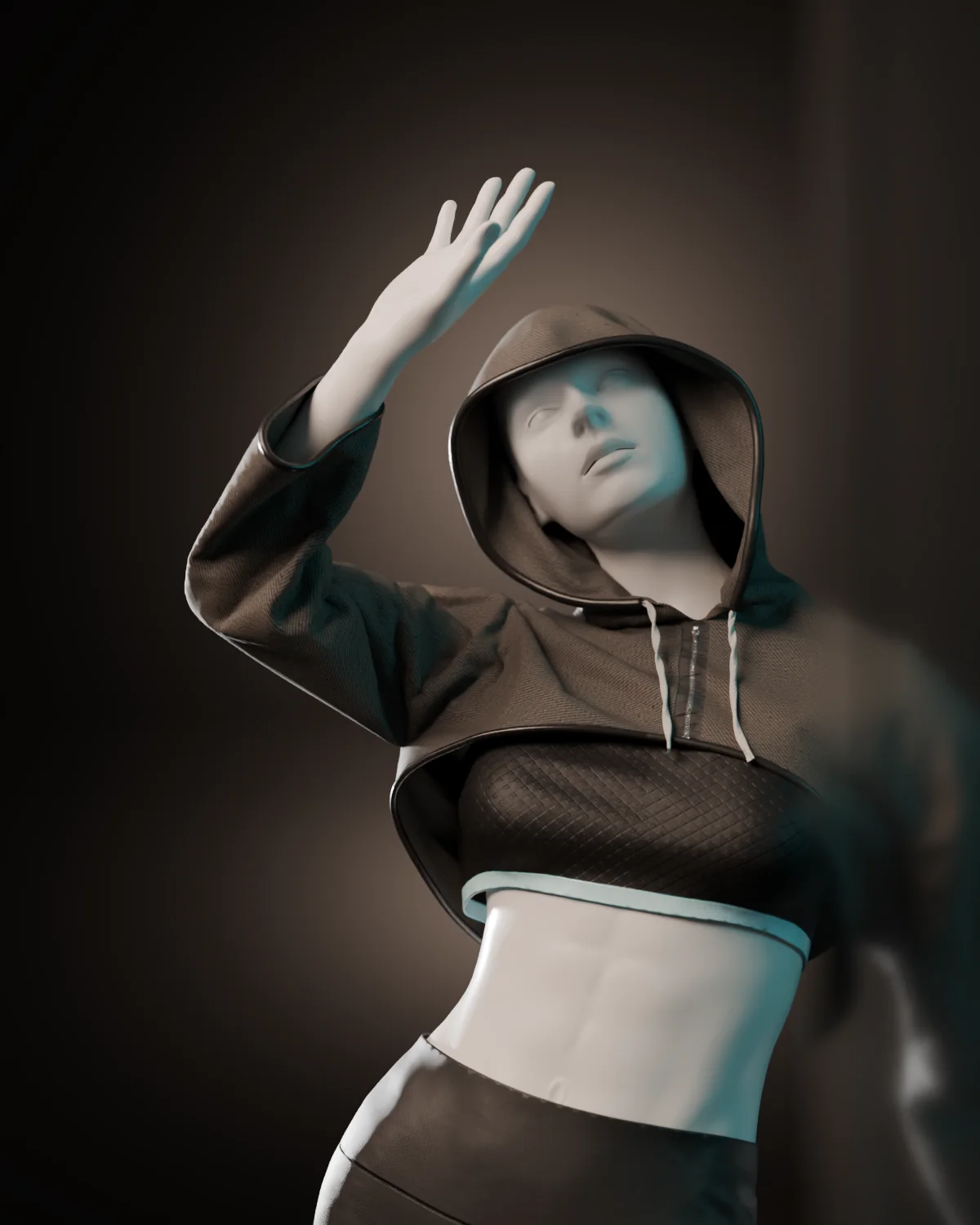
Collisions against the whole animated character
Self-collision keeps folds and stacked garments apart. Cloth collides with the complete animated body by default; when a shot needs speed, Cloth neXt can generate an animation-aware collision cage from per-bone hulls, which stays visible and editable in Blender.
- Self-collision for folds, hoods, cuffs and layered garments
- Static and animated colliders
- Collision Gap, Surface Offset and Surface Grip set contact distance, thickness and friction
75 cloth presets with artist-facing controls
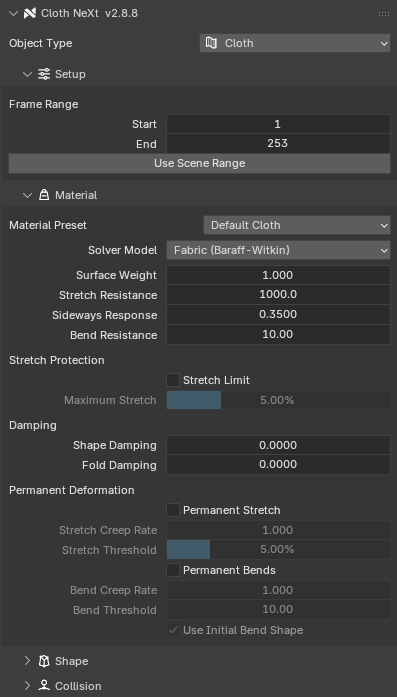
Choose a fabric starting point and tune only what the shot needs. Every control has an artist-facing name and maps to one solver parameter. Editing a preset switches it to Custom and keeps your values.
- Material Zones apply exact per-triangle overrides to face selections
- Stretch limit, shape and fold damping, permanent stretch and bend deformation
Pins, soft constraints, pressure and sewing
Attachments use ordinary Blender vertex groups and objects, so they stay readable in the scene and can be changed between bakes.
| Control | What it does | Driven by |
|---|---|---|
| Hard pins | Hold vertices exactly. Static pins keep their Bake Start positions; Follow Animation pins track the evaluated mesh. | Vertex group |
| Advanced pins | A vertex group follows an animated target with an adjustable soft pull strength. | Vertex group and an Empty or object |
| Soft constraints | Pull toward an animated target with a set strength instead of locking in place. | Animated object |
| Pressure | Uniform pressure along the surface normals of closed cloth, for inflated shapes. | Cloth object |
| Sewing | Open edges not used by faces act as springs that pull their endpoints together. | Mesh edges |
Cables, soft bodies and rigid bodies in the same solve
Every role shares one contact solve, so a garment, a strap and a soft prop can all touch each other in one bake.
- Cable / Rope: one-dimensional deformables with a uniform collision radius
- Soft Body: closed volumes with automatic internal tetrahedralization
- Rigid Body: solid objects taking part in the contact solve
- Forces: gravity, wind, air density and air friction from keyframeable Empties
Problems reported before and during the bake
Scene Health checks the setup before the expensive part starts and reports issues with stable CNX error codes. During the bake, the Bake Companion shows where the solver is and what the machine is doing.
- BeforeScene Health validation with CNX error codes
- ProgressCurrent frame, progress and estimated time remaining
- SystemCPU, RAM and VRAM monitoring, per-frame performance history
- SupportPrivacy-safe diagnostics report for support requests
Resume an interrupted bake from a verified checkpoint
Recovery is designed for long bakes. Cloth neXt keeps solver checkpoints and checks their identity and compatibility before it offers to resume.
- CheckpointsVerified recovery points for interrupted bakes
- CacheTransactional playback caches with versioned metadata
- IntegritySHA-256 checks on cached results
- CleanupClear Result removes only Cloth neXt-owned playback
- LimitsPlayback needs stable vertex count and vertex order